

So, you want to rate an app? It's about more than just slapping on a star rating and calling it a day. A truly insightful review looks at the whole picture, and after years of doing this, I've found it boils down to five key areas: usability, performance, features, security, and support.
A top-tier app nails all five. It feels intuitive, runs smoothly, and gives you a sense of confidence from the moment you open it.
The 5 Key Areas to Check When Rating an App
Thinking like an expert reviewer just means you have a system. Instead of going on gut feeling alone, you ask specific, targeted questions. This approach works whether you're sizing up a new photo editor or a project management tool, helping you pinpoint exactly what makes it great—or where it's falling flat.
Think of this as your go-to checklist. It's perfect for a quick gut check or as the foundation for a really in-depth analysis.
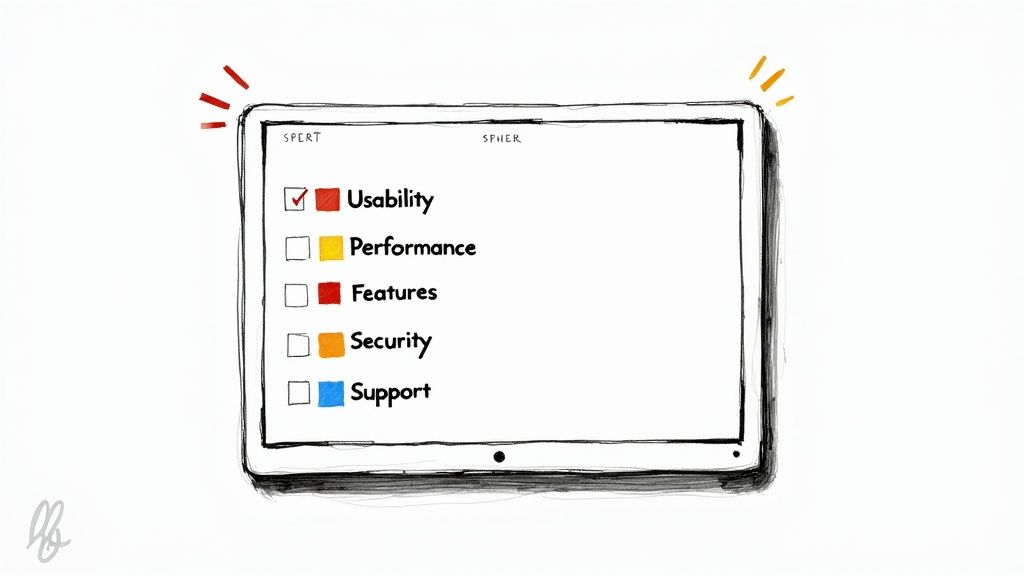
Here's a simple breakdown of those five pillars into the questions you should be asking every time you're prompted to leave a review.
The Five Pillars of App Evaluation
This table summarizes the core criteria I use to evaluate any mobile application. Answering these questions will give you a well-rounded view of the app's overall quality.
| Evaluation Pillar | Key Questions to Ask |
|---|---|
| Usability | Is the app intuitive? Can you navigate it without confusion? |
| Performance | Does it run smoothly? Does it crash, freeze, or drain the battery? |
| Features | Does it deliver on its promises? Are the features useful? |
| Security | Are the permissions reasonable? Is there a clear privacy policy? |
| Support | Is it easy to find help? Are developers responsive to issues? |
Once you start consistently looking at apps through this lens, you'll find it's much easier to articulate what works and what doesn't. Your feedback becomes incredibly valuable, not just for the developers who build the app, but for everyone else trying to decide if it's worth the download.
First Impressions and Real-World Usability
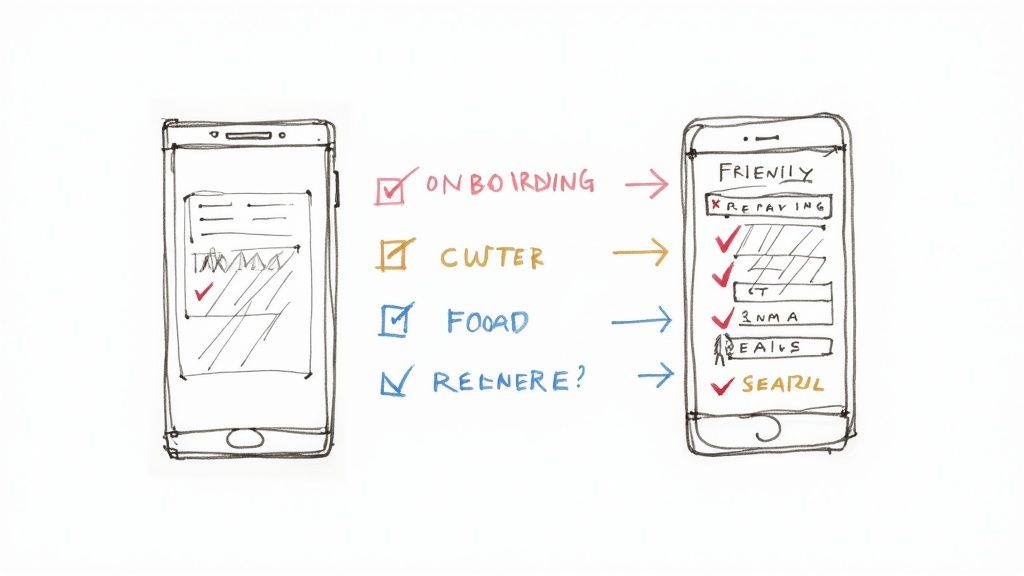
You can tell a lot about an app within the first few minutes of opening it. A smooth, welcoming start usually points to a well-thought-out design, but a clunky or confusing introduction is a huge red flag. This initial experience is your first real test of its usability.
It all starts with the onboarding process. Does the app gently guide you with helpful hints, or does it immediately hit you with a dozen pop-ups and permission requests before you even know what it does? The best apps make setup feel like a breeze and get you to that "aha!" moment fast.
Judging the User Interface and Experience
After you're in, it's time to look at the user interface (UI) and user experience (UX). People often use these terms interchangeably, but they really cover two different, equally important parts of your evaluation:
- UI (User Interface): This is all about the visuals—the buttons, icons, colors, and overall layout. A solid UI is clean, consistent, and easy on the eyes. Ask yourself: does it look polished and professional, or does it feel like it was thrown together?
- UX (User Experience): This is the overall feel of using the app. Is it easy to get around? Can you find what you need without hunting through confusing menus? A great UX feels so natural you barely even notice it.
Think about a simple note-taking app. If the "New Note" button is right there where you expect it to be, that's good UX. But if that button is a super-stylish, minimalist icon that blends into the background (a UI choice), it might look cool but make for a frustrating experience every time you want to jot something down.
Key Takeaway: A beautiful interface means nothing if the app is a nightmare to use. The best apps strike a perfect balance between looking good and feeling intuitive, making tasks feel effortless.
Ultimately, that first impression is a mix of looks and feel. An effective onboarding sequence is a huge part of this, and you can learn more about what works by checking out these customer onboarding best practices. How an app turns you from a first-timer into a confident user is one of the clearest signs of its quality. A great app respects your time from the very first tap.
Putting Performance and Reliability to the Test
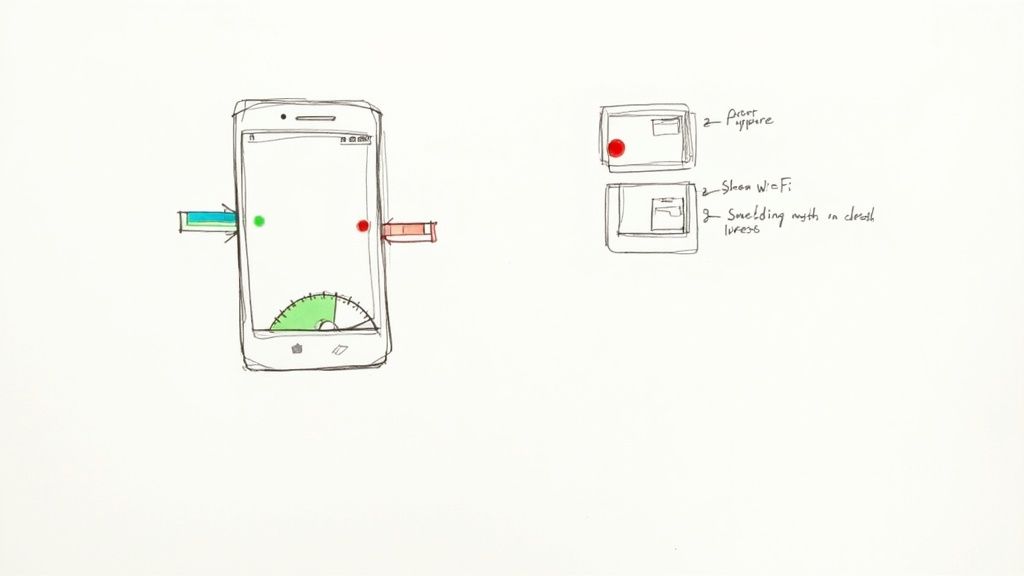
Let's be honest—a beautiful app that crashes all the time is just digital junk. An app's real value shines through when it's technically stable and dependable, not just when it looks pretty. You don't need to be a developer to see the warning signs.
Things like slow loading screens, a battery that drains way too fast, or an app that eats up your mobile data are huge red flags. A well-built app should feel snappy and respect your phone's resources. When it doesn't, it creates a frustrating experience, which is a major reason why 40 percent of users never return after a single use.
Simple Stress Tests Anyone Can Run
The best way to see how an app holds up is to push it a little. Don't just test it under perfect conditions.
- Test on Bad Connections: Try using the app on a weak Wi-Fi signal or with spotty cell service. Does it give you a clear error message, or does it just freeze up and crash?
- Multitask Like Crazy: Open a bunch of other apps and quickly switch back and forth. A well-optimized app will keep up, but a poorly coded one will start to lag or become totally unresponsive.
- Check Resource Hogging: After using the app for about 15-20 minutes, pop into your phone's battery settings. Is it draining an unusually high amount of power compared to other apps?
These simple tests mimic how we actually use our phones every day and can reveal a lot about an app's stability.
Pro Tip: Keep an eye on how often the app is updated. Frequent, meaningful updates are a great sign that developers are actively squashing bugs and making improvements. An app that hasn't been touched in over a year is probably a ghost ship.
This focus on performance is more important than ever. With global app revenue expected to hit $935 billion and users spending nearly five hours a day on their phones, people have zero patience for technical glitches. Plus, with 72% of smartphone users on 5G, expectations for fast, seamless experiences are sky-high. You can dig into more of these mobile app growth statistics to see just how critical performance really is.
Judging an App's Features and True Value
So, the app doesn't crash. That's a great start, but it's only half the story. Now we get to the real heart of the matter: does this app actually do what it promises?
A huge list of features can look impressive, but it's often just noise. I've found that the best apps usually master one core task instead of fumbling through ten. A truly great app solves a real problem, simply and effectively.
Are the Core Features Any Good?
Before you get distracted by all the bells and whistles, zero in on the app's main purpose. If you're testing a photo editor, are the editing tools actually precise? Or for a project management tool, does it genuinely make your workflow smoother? Put the flashy extras aside for a moment and ask yourself if the fundamental promise is kept. An app packed with features you'll never use isn't feature-rich; it's just bloated.
The All-Important Value Proposition
Next up, let's talk money. How does the app make it, and is the price fair for what you're getting? Remember, "free" rarely means free. You're usually paying with your data or your attention.
It's a simple cost-benefit analysis I run through every time:
- One-Time Purchase: Is the asking price reasonable for the tools it gives you?
- Subscription: Does the recurring fee feel justified by ongoing updates and reliable access?
- Ad-Supported: Are the ads so constant and disruptive that they make the app unusable?
This trade-off is a huge part of any good rating. For instance, a "free" photo editor that bombards you with video ads is probably less valuable than a paid one that offers a clean, focused experience.
This isn't just my opinion—it's reflected in the market. With global mobile app downloads projected to hit 299 billion, competition is fierce. It's why around 45% of paid apps offer a free trial; developers know they need to prove their value upfront. You can find more of these fascinating mobile app download statistics on tekrevol.com.
A truly valuable app solves your problem efficiently and offers a fair exchange, whether through a clear payment model or a non-invasive ad experience. It respects both your time and your money.
Ultimately, getting this value proposition right is what keeps people coming back. It's the essential difference between customer acquisition and customer retention, and that difference is what separates a flash-in-the-pan app from one that has real staying power.
5. Gauging Security, Privacy, and Support

An app can have a beautiful design and work flawlessly, but if it doesn't respect your privacy or offer a lifeline when things go wrong, it's a non-starter. Especially with data breaches becoming commonplace, looking into an app's security practices isn't just a good idea—it's essential.
The first test comes the moment you install it: the permissions request. This is where you need to put on your detective hat. Ask yourself, does a simple photo filter app really need access to my contacts and microphone? If the permissions feel excessive for what the app does, that's a huge red flag. It could be a sign of aggressive data harvesting.
Taking a Look at the Privacy Policy
Next up, find the privacy policy. Good developers don't hide this. It should be easy to locate, either in the app store listing or within the app's settings menu. I know, nobody wants to read pages of legalese, but you don't have to.
You can get a good sense of things by scanning for a few key terms:
- "Third-party" or "share": This tells you who else is getting your data.
- "Data retention": Find out how long they hang onto your information after you leave.
- "Security measures": See if they mention specifics like encryption to protect your data.
If you can't find a privacy policy, or the one you find is incredibly vague, that's a bad sign. It often means your data's security isn't a top priority for them.
Finding Out if Anyone's Home: Customer Support
Finally, what happens when you hit a snag? A great app is backed by a team you can actually reach. Before you ever run into an issue, do a quick check to see what your support options are.
Look for a help section, an FAQ, or an easy-to-find contact email. Is there a support ticket system? An app that makes you jump through hoops just to ask a question isn't one you can rely on when something breaks.
A trustworthy app provides clear pathways for help. The best developers are transparent about how they handle your data and are available to support you when issues arise. An app that hides its support options is often hiding other problems, too.
Also, check for an active user forum or responsive social media accounts. These are all signs of a developer who cares about their users and stands behind their product. Strong support shows they're in it for the long haul.
How to Write a Genuinely Helpful App Review
Once you've put an app through its paces, the next step is sharing what you've found. A good review does more than just help other people decide whether to download it—it gives developers the real-world feedback they need to actually make the app better.
Thinking about how to rate an app effectively means moving past a simple thumbs-up or thumbs-down.
For instance, just saying "it's buggy" doesn't help much. Instead, try giving the developers a trail to follow. Something like, "The app consistently crashes whenever I try to export a video longer than one minute," is incredibly useful because it points them to a specific, reproducible problem they can fix.
A Simple Structure for Better Reviews
To make your feedback truly hit home, a little structure goes a long way. I've found a simple format that works wonders.
- Start with a punchy headline: Sum up your entire experience in one quick line.
- Talk about the good stuff: Dedicate a small paragraph to what you loved. Be specific! "The one-tap photo editing feature is a huge time-saver."
- Point out the friction: Next, cover what could be improved. Again, specifics are key. "The menu is a bit buried; it took me three taps to find the settings."
- Define the ideal user: Wrap it up by suggesting who the app is perfect for. Is it for a power user, a beginner, or someone with a specific hobby?
This approach gives your review a ton of credibility and makes it genuinely helpful for both potential users and the developers themselves.
Key Takeaway: The goal is always constructive criticism. Balance what works with what doesn't, get specific about any problems you run into, and always provide context when you can.
Behind the scenes, developers are looking at metrics that go far beyond star ratings. They're obsessed with user engagement and retention. A report that dug into over 5,000 apps found the global average Growth Score was 29.2—a number that blends new installs, how often people use the app, and how long they stick around.
This proves that how users interact with an app over the long haul is what truly defines its success. Discover more insights about these mobile app growth findings.
Common Questions About Rating Apps
When you start thinking about how to rate an app, you'll probably find yourself asking the same questions I did. Let's tackle a couple of the most common ones that pop up.
How Much Does One Star Rating Matter?
It matters more than you might think. A single one-star review can seriously tank an app's average, which directly impacts its visibility in the app store. Think about it from a user's perspective: that overall star rating is often the first thing you look at.
The difference between a 4.5 and a 3.5-star average is huge, and it can be the deciding factor for whether someone even bothers to tap the "download" button.
Should I Update My Review After an App Update?
Yes, absolutely. I always try to do this. Apps are living products, constantly being tweaked and improved. A major update might completely fix the very issue that prompted your negative review in the first place.
Going back to update your rating does two things: it gives other potential users the most accurate, up-to-date picture of the app, and it gives the developers valuable feedback that their hard work didn't go unnoticed.
Key Takeaway: Think of your review as a living document. Keeping it current helps everyone—it ensures the app store reflects the reality of the app today, not six months ago.
Share this article